

How steering works
A steering message is injected into the agent’s conversation as a user-role message. The agent sees it on its next LLM turn and can adjust its approach immediately. The delivery flow:- You send a steering request with your guidance text
- The message is queued on the agent session’s steering queue
- Before the next LLM call, Fabro drains the queue and injects each message as a
Steeringturn in the conversation history - The LLM sees the guidance alongside its existing context and adjusts accordingly
interrupt=true, Fabro first cancels the active API-mode agent round, then queues the steering text in the same worker-control operation. The agent resumes with that steering text as the next user turn. A standalone interrupt through the API cancels the active round without text and keeps the session waiting until a later steer arrives.
When steering is delivered
Steering messages are drained from the queue at two points during the agent loop:- Before the first LLM call — any messages queued before the agent starts its first turn
- After each interrupted or completed round — before the next LLM call
Steering vs. human gates
Steering and human gates serve different purposes:
Use human gates for structured decisions that are part of the workflow design. Use steering for reactive guidance when you’re watching a run and want to intervene.
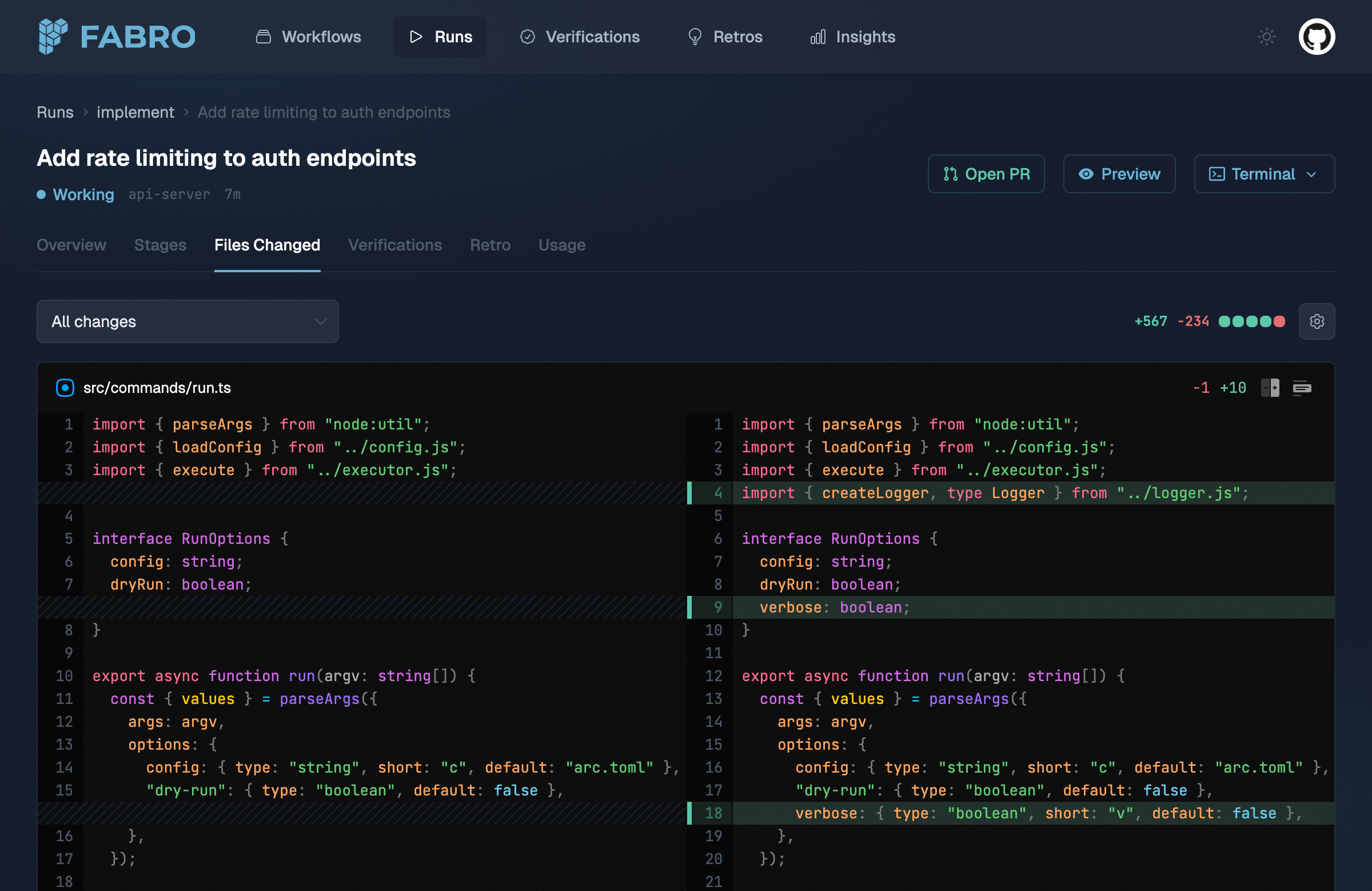
The Files Changed tab shows a side-by-side diff of all changes made during the run.