

The problem
AI coding agents have transformed software engineering productivity, but the surrounding toolchain hasn’t kept up:- Developers work for the agents. The prompt-wait-review loop idles engineers while agents run, then demands constant babysitting to course-correct.
- Unpredictable agents force oversight. Non-deterministic guardrails create an explosion of failure modes. Engineers compensate by watching every step.
- Verification is overwhelmed. Agent throughput exceeds human review capacity. CI pipelines designed for pass/fail signals can’t keep pace with the volume or nuance of AI-generated code.
- Token costs are primed to explode. ROI per token diverges wildly across tasks, models, and harnesses. Every unnecessary frontier token is one that can’t be spent where it matters.
- The continuous improvement loop broke. Data is lost at every sub-process boundary. Organizations can’t train LLMs the way they train people, and memory files make no guarantees.
How Fabro solves this
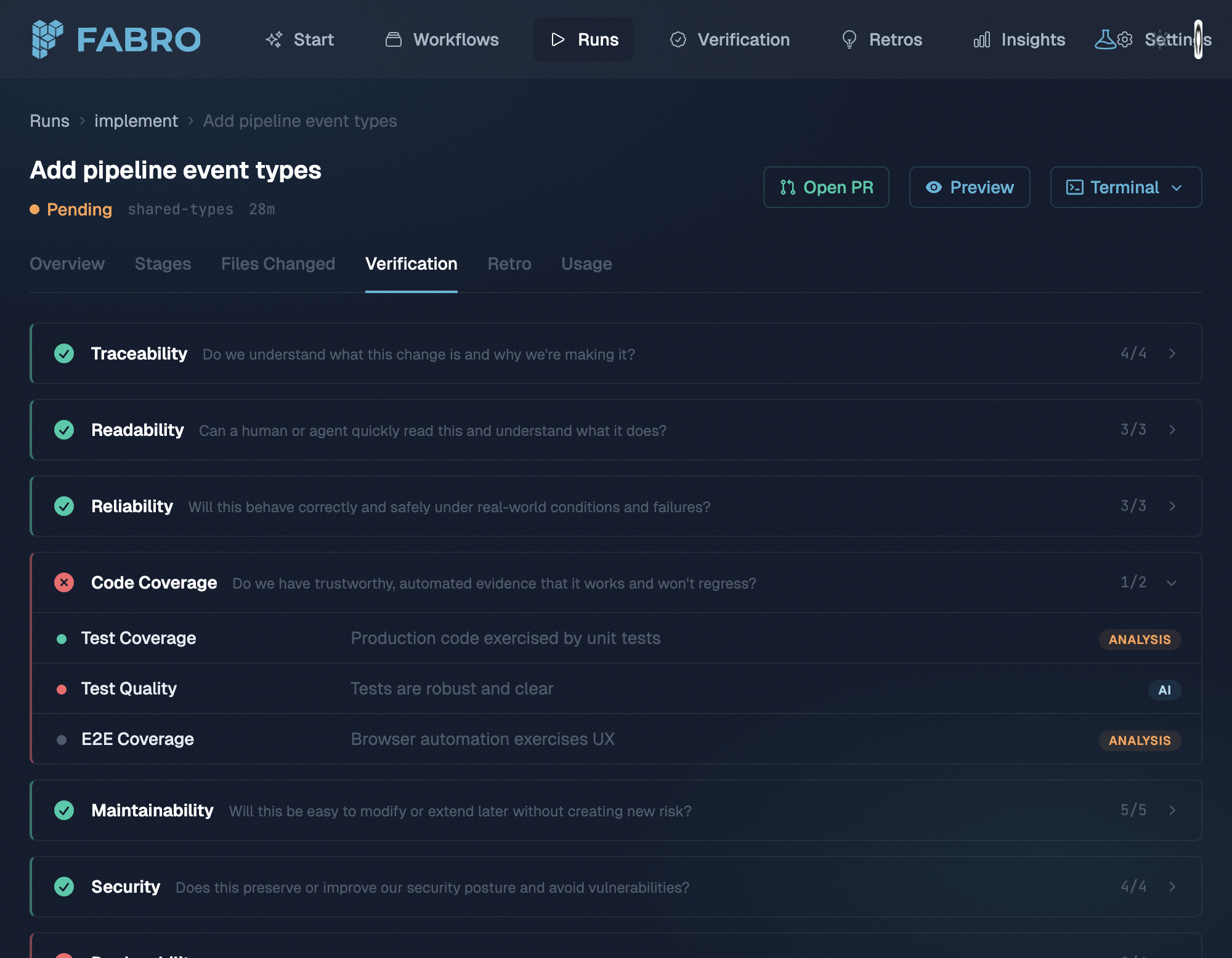
Fabro gives you a deterministic harness around non-deterministic AI. You define workflow graphs in Graphviz files that specify exactly what happens, in what order, with which models, and where humans weigh in. Fabro handles orchestration, parallelism, model routing, verification, and observability.Version-controlled workflows
Define workflows as code in Graphviz. Nodes are agents, shell commands, or human input gates. Fan out, loop, branch, and resume — all traceable and repeatable.
Multi-model orchestration
Route tasks to the right model using CSS-like stylesheets. Cross-critique with fresh eyes, delegate simple tasks to fast models, and fail over automatically when providers go down.
Human-in-the-loop
Steer while the agent runs, not after. Approval gates, interviews, and steering let you intervene at the right moments without waiting for a pull request.
Adaptive verification
Combine LLM-as-judge, test suites, third-party tools, and human review. Verifications act as an eval suite tailored to your organization, building confidence over time.
Observability
Every tool call, agent turn, and shell command is captured in a unified event stream. Query run data with SQL via DuckDB and inspect the full execution trail.
Open source
Licensed under MIT. Written in Rust with minimal dependencies. Runs on a single node with no databases to set up.
What a workflow looks like
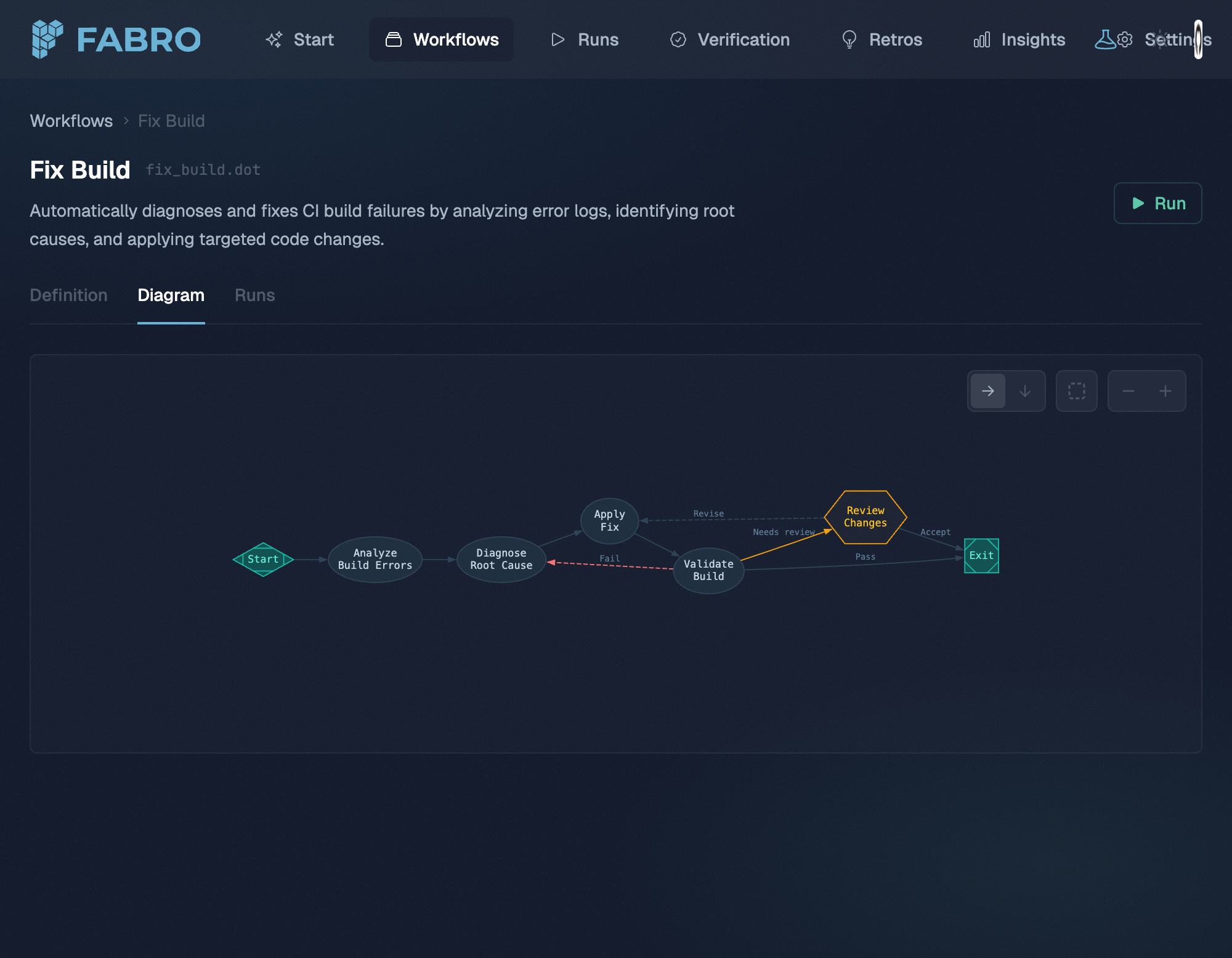
Workflows are defined in Graphviz, a simple graph description language. Here’s a plan-approve-implement workflow and its Graphviz source:
plan-implement.fabro
Next steps
Quick Start
Install Fabro and run your first workflow in minutes.