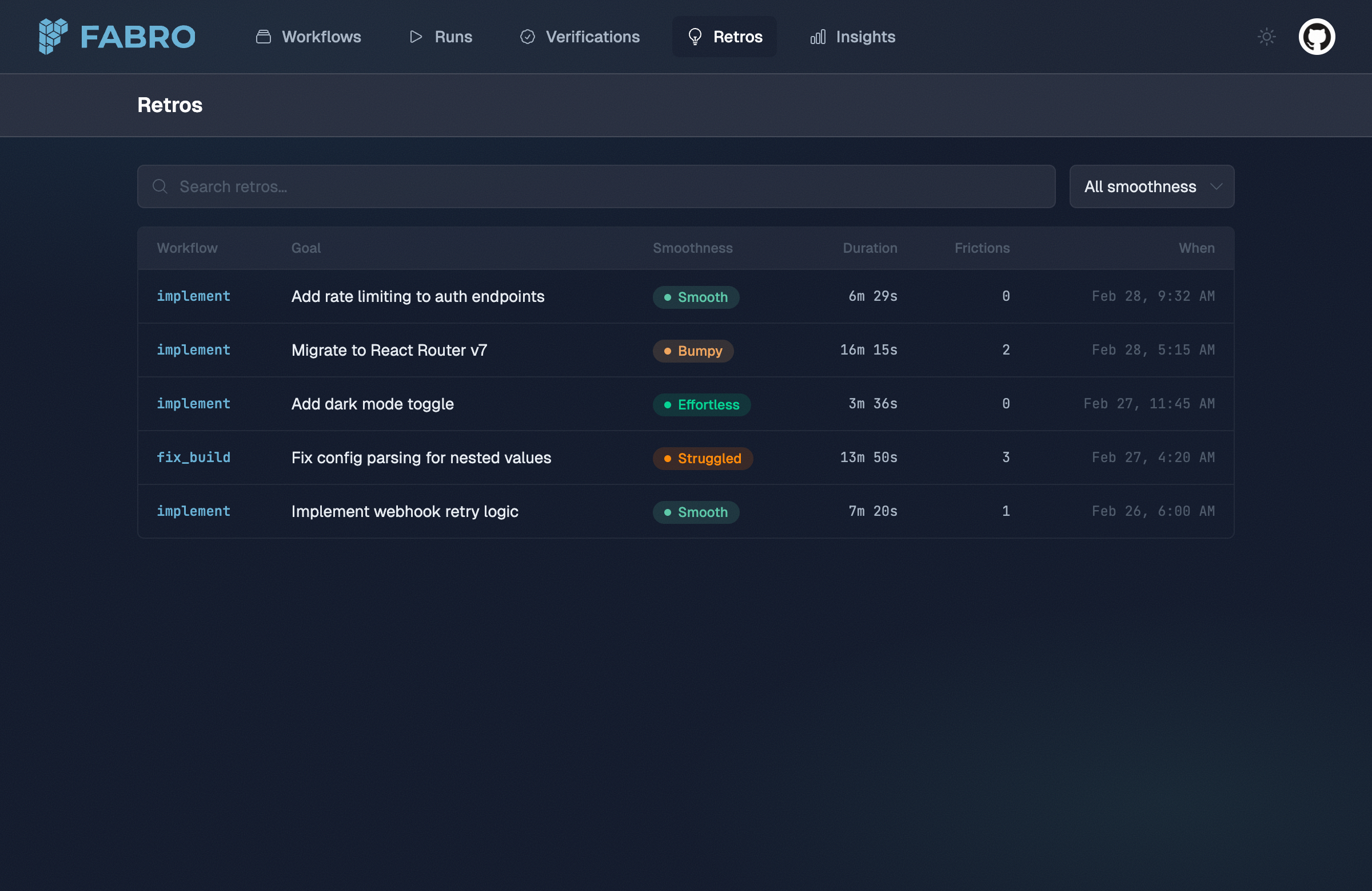
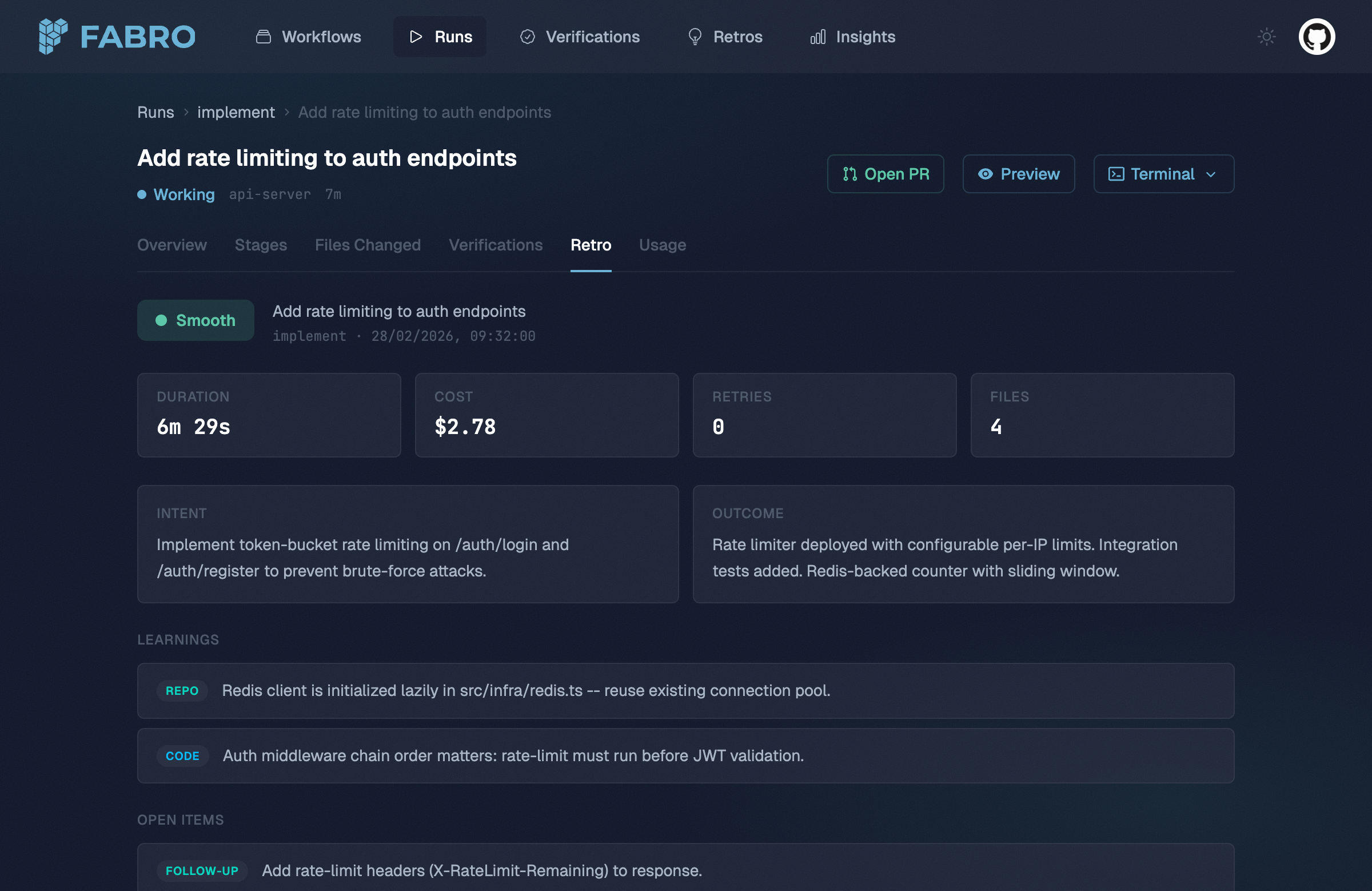
Experimental feature. Retros are disabled by default. Enable them by setting retros = true under [run.execution] in your project or workflow config.
What’s in a retro
A retro has two layers: quantitative stats derived cheaply from checkpoint data, and an agent-generated narrative that interprets the run holistically.
Quantitative layer
The quantitative layer is extracted directly from the checkpoint and event stream — no LLM calls required:
| Field | Description |
|---|
| Per-stage breakdown | Duration, retry count, cost, files touched, status, and failure reason for each stage |
| Aggregate stats | Total duration, total cost, total retries, all files touched, stages completed vs. failed |
Narrative layer
An LLM agent reads the run’s full event stream and produces a structured analysis:
| Field | Description |
|---|
| Smoothness | Overall rating on a 5-point scale (see below) |
| Intent | What the run was trying to accomplish |
| Outcome | What actually happened |
| Learnings | What was discovered about the repo, code, workflow, or tools |
| Friction points | Where things got stuck and why |
| Open items | Follow-up work, tech debt, test gaps, or investigations identified |
Smoothness ratings
Every retro includes a smoothness rating that grades the overall quality of the run’s execution:
| Rating | Meaning |
|---|
| Effortless | Goal achieved on the first try. No retries, no wrong approaches. Agent moved efficiently from start to finish. |
| Smooth | Goal achieved with minor hiccups — 1–2 retries or a brief wrong approach quickly corrected. No human intervention needed. |
| Bumpy | Goal achieved but with notable friction: multiple retries, at least one significant wrong approach, or substantial time on dead ends. |
| Struggled | Goal achieved only with difficulty: many retries, major approach changes, human intervention, or partial failures requiring recovery. |
| Failed | Run did not achieve its stated goal. Some stages may have completed, but the overall intent was not fulfilled. |
Learnings, friction points, and open items
Learnings
Learnings capture what was discovered during the run, categorized by type:
| Category | Examples |
|---|
repo | Repository structure, build system quirks, CI configuration |
code | Bug root causes, module boundaries, API contracts |
workflow | Node ordering issues, missing stages, prompt improvements |
tool | Tool limitations, MCP server behavior, command output parsing |
Friction points
Friction points identify where the run got stuck and what caused the slowdown:
| Kind | Description |
|---|
retry | A stage needed multiple attempts |
timeout | A stage or tool call hit a time limit |
wrong_approach | The agent pursued a dead end before pivoting |
tool_failure | A tool or command failed unexpectedly |
ambiguity | Unclear requirements or conflicting signals caused confusion |
stage_id where it occurred.
Open items
Open items capture follow-up work identified during the run:
| Kind | Description |
|---|
tech_debt | Code quality issues worth addressing later |
follow_up | Work that’s related but out of scope for this run |
investigation | Unknowns that need further research |
test_gap | Missing test coverage discovered during the run |
How retros are generated
Retro generation happens in two phases after a run completes:
-
Derive — Fabro extracts stage durations from durable run events and builds a retro from the checkpoint data. This is deterministic, fast, and produces the quantitative layer.
-
Narrate — An LLM agent session analyzes the run data. The agent receives
progress.jsonl, run.json, graph.fabro, and per-stage files under stages/{node_id}@{visit}/... inside its sandbox so it can grep and read the event stream, run snapshot, workflow source, and full stage payloads. The narrative fields are merged back into durable retro state.
Both phases run automatically at the end of every CLI run. The API server derives the quantitative layer but does not currently run the narrative agent.
Accessing retros
CLI
To enable retros for your project, set retros = true under [run.execution] in your .fabro/project.toml:
_version = 1

[run.execution]
retros = true
--no-retro:
fabro run workflow.fabro --no-retro
settings.toml:
_version = 1

[run.execution]
retros = true
API
Retros are also available via the REST API. See the list retros and retrieve retro API reference pages.
Storage
Retros are stored in durable run state. If you need files on disk, fabro dump materializes retro text under stages/retro/ alongside run.json, stage files, and the rest of the exported run data.